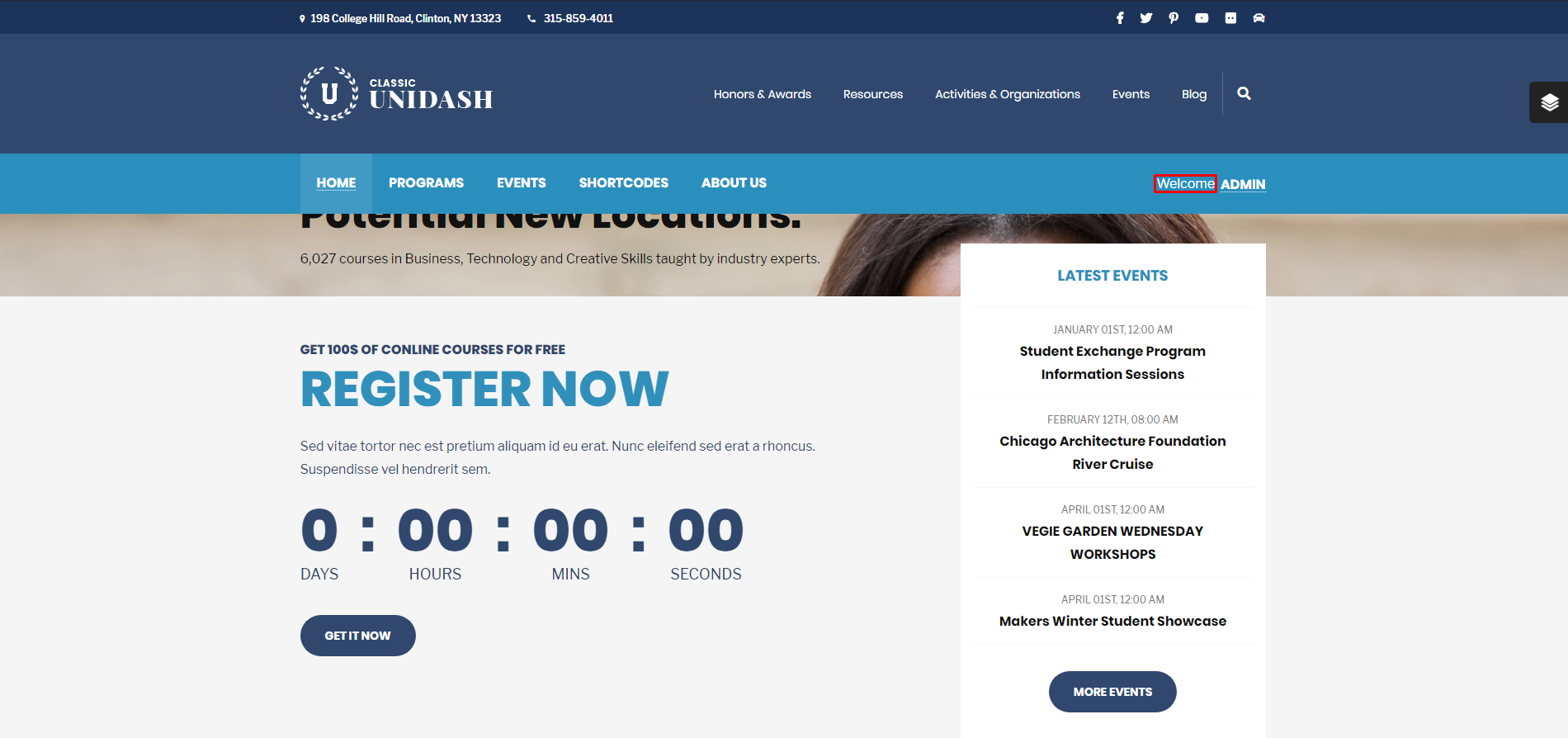
- Enable User Login/ Register buttons: ON/OFF – Show buttons on Header Navigation
- Welcome Text: Welcome text when the user is logged in. Default is “Welcome”
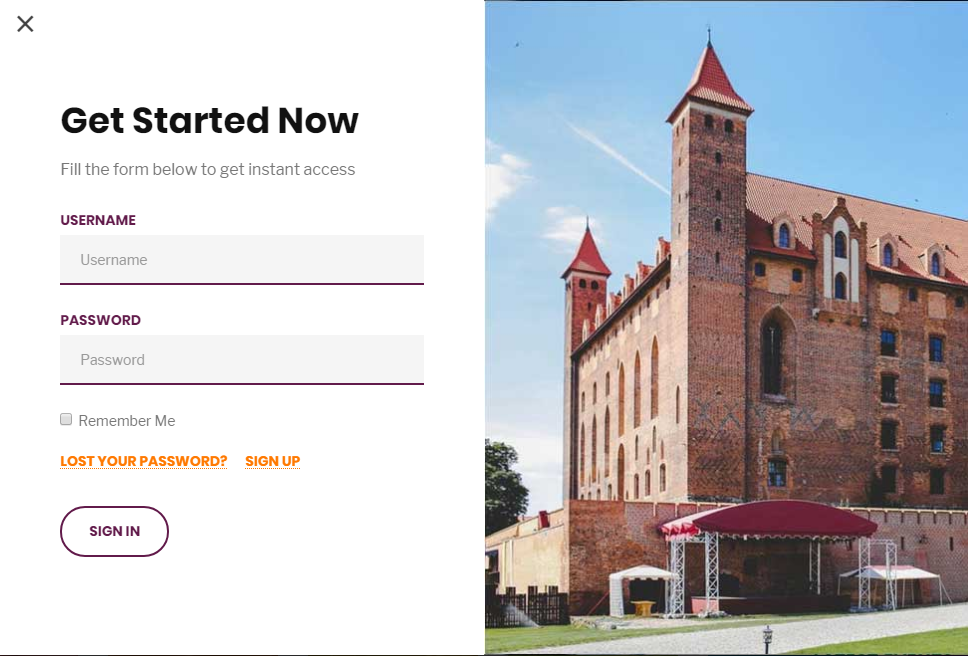
- Login/Register Popup: ON/OFF – Use Popup form for Login & Register. Otherwise, use links
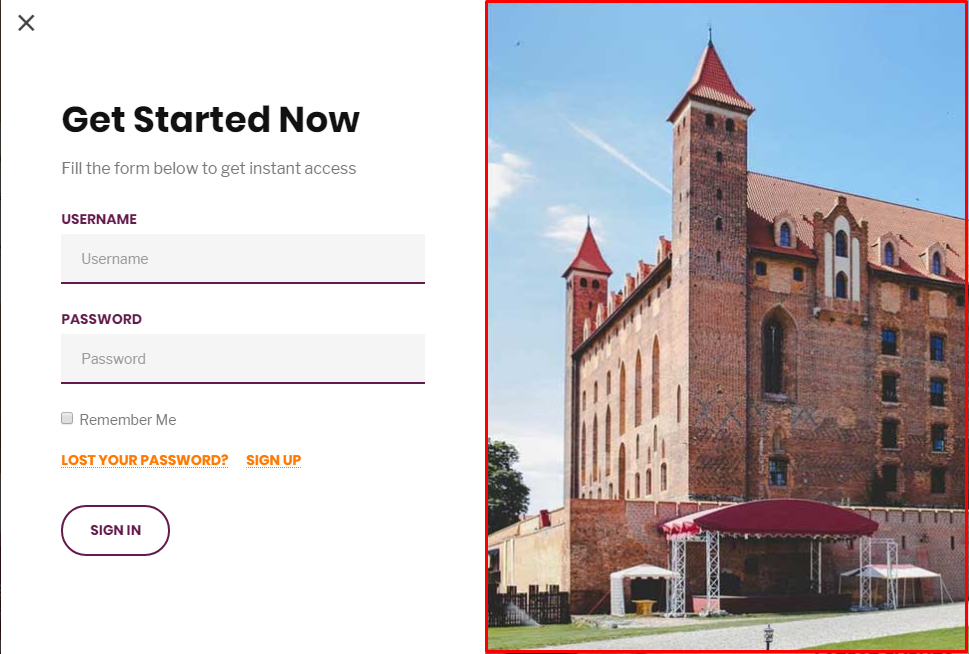
- Login Popup – Image: Upload your own image for the Login Popup
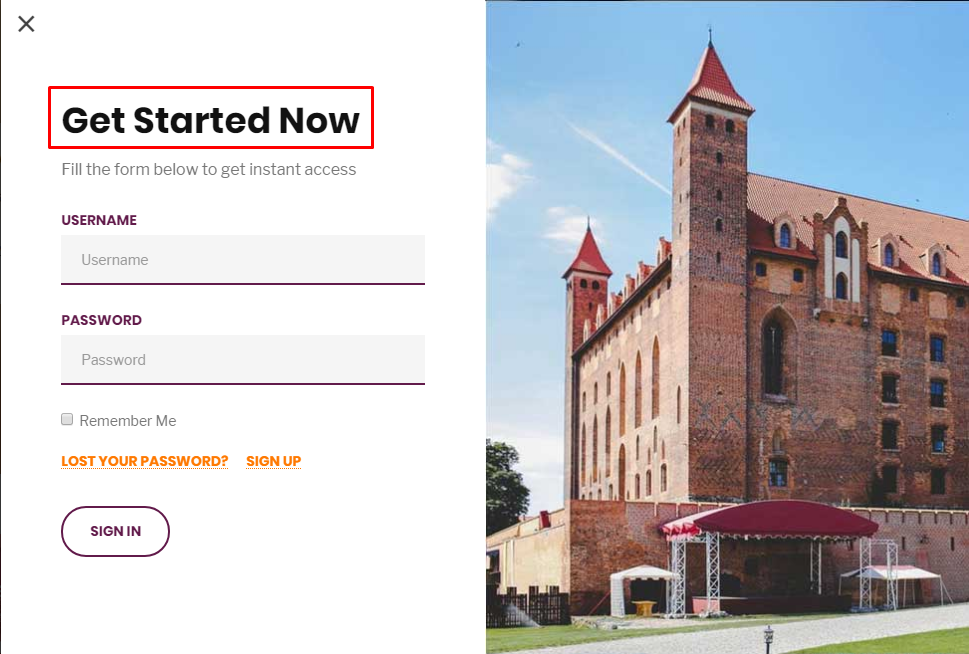
- Login Popup – Title: Set Title for the Login Popup
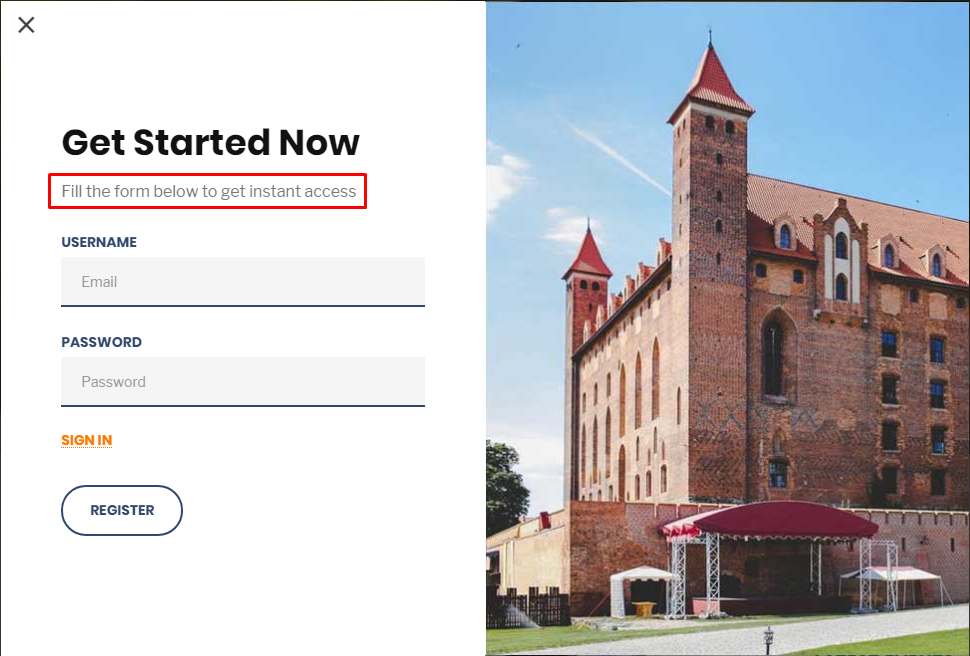
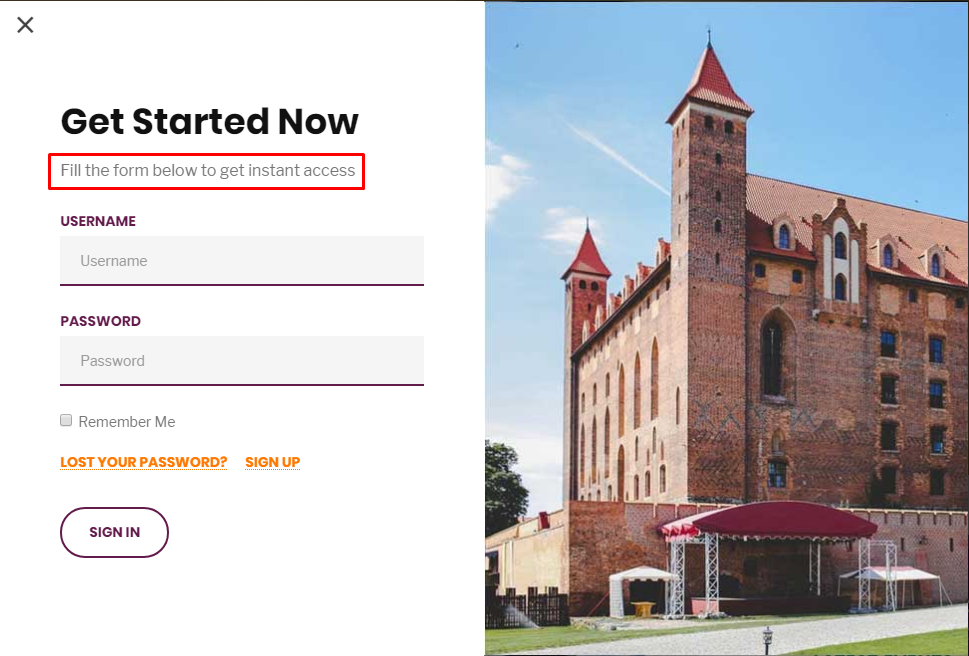
- Login Popup – Description: Enter description text for the Login Popup
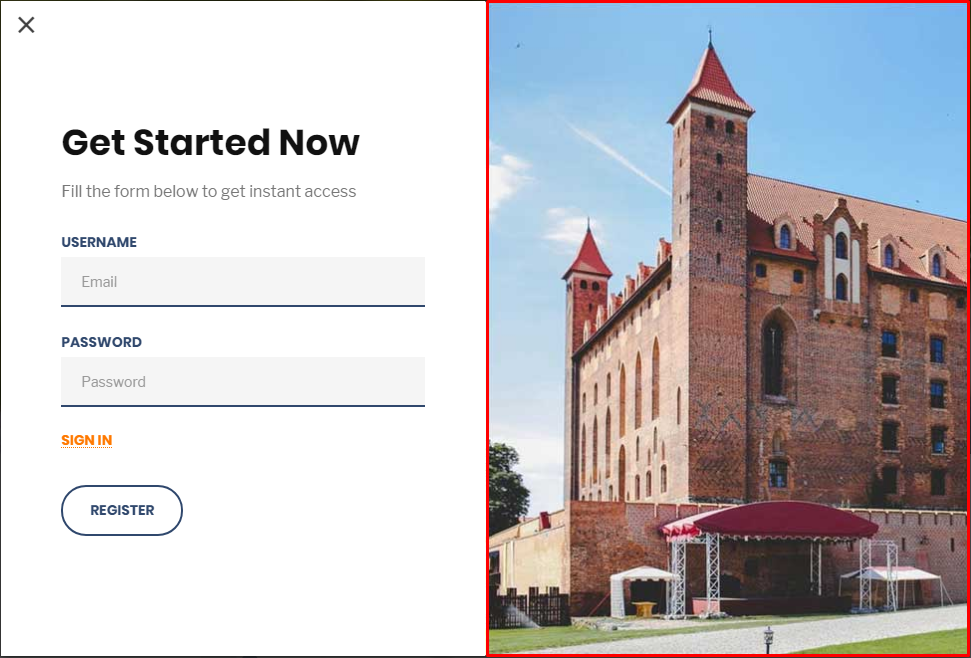
- Register Popup – Image: Upload your own image for the Register Popup
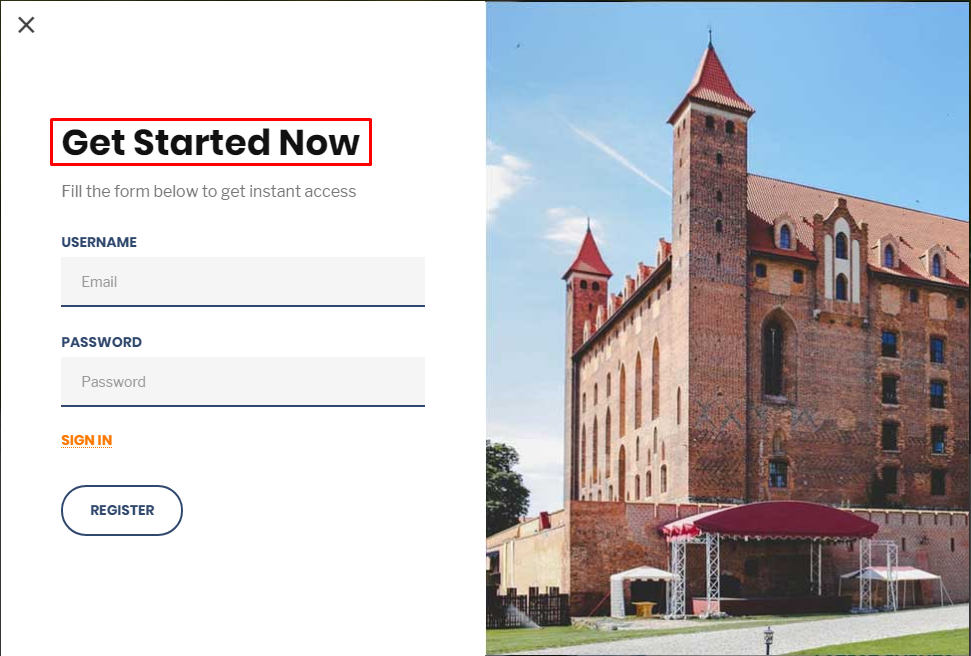
- Register Popup – Title: Set title for the Register Popup
- Register Popup Description: Enter description text for the Register Popup